Offline web apps · Pay once
Beautiful apps that live on your device.
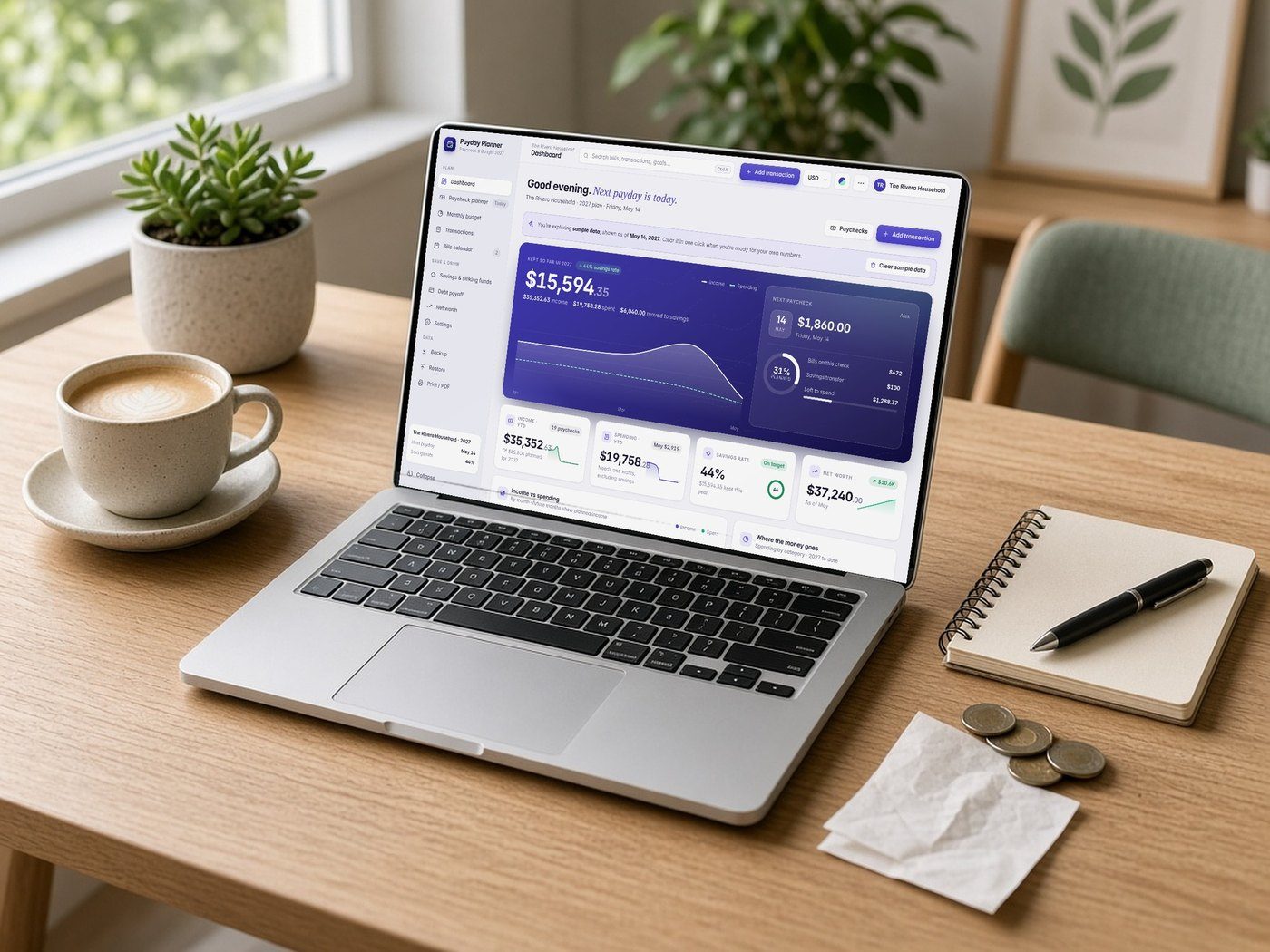
Private, offline apps for planning and running your small business. Pay once, use forever, your data stays on your device.
Categories
Find the right tool.
Featured apps
Every app, one price, forever.
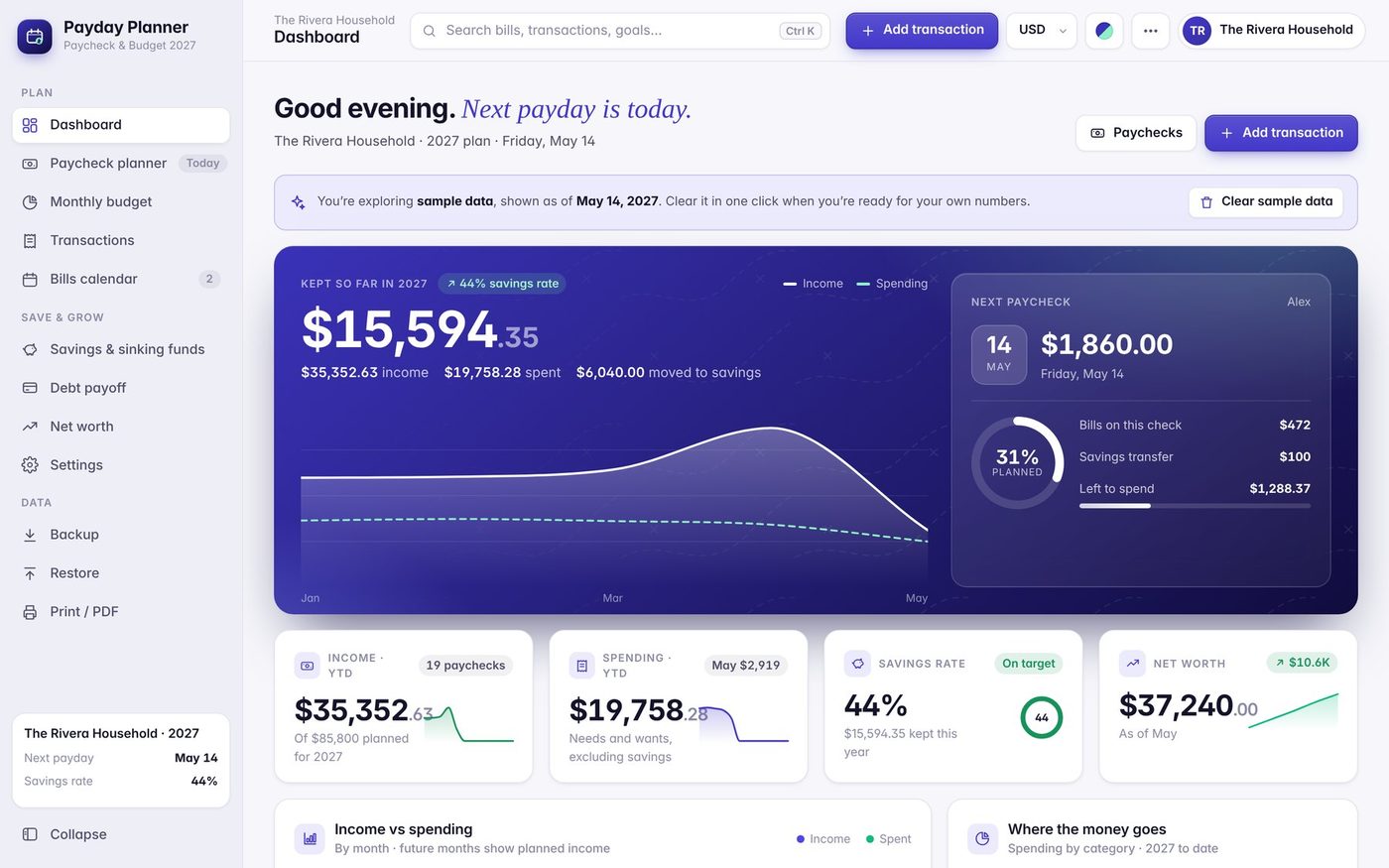
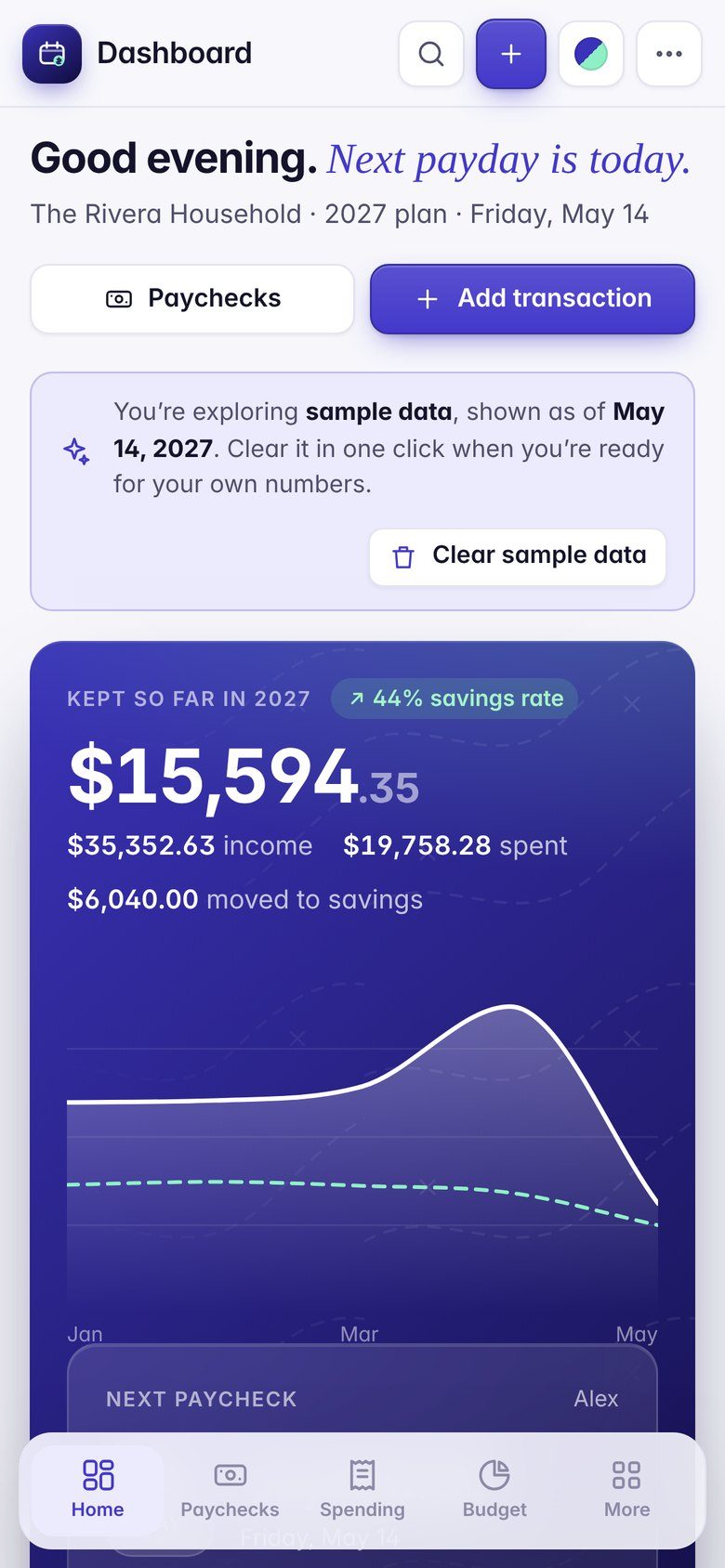
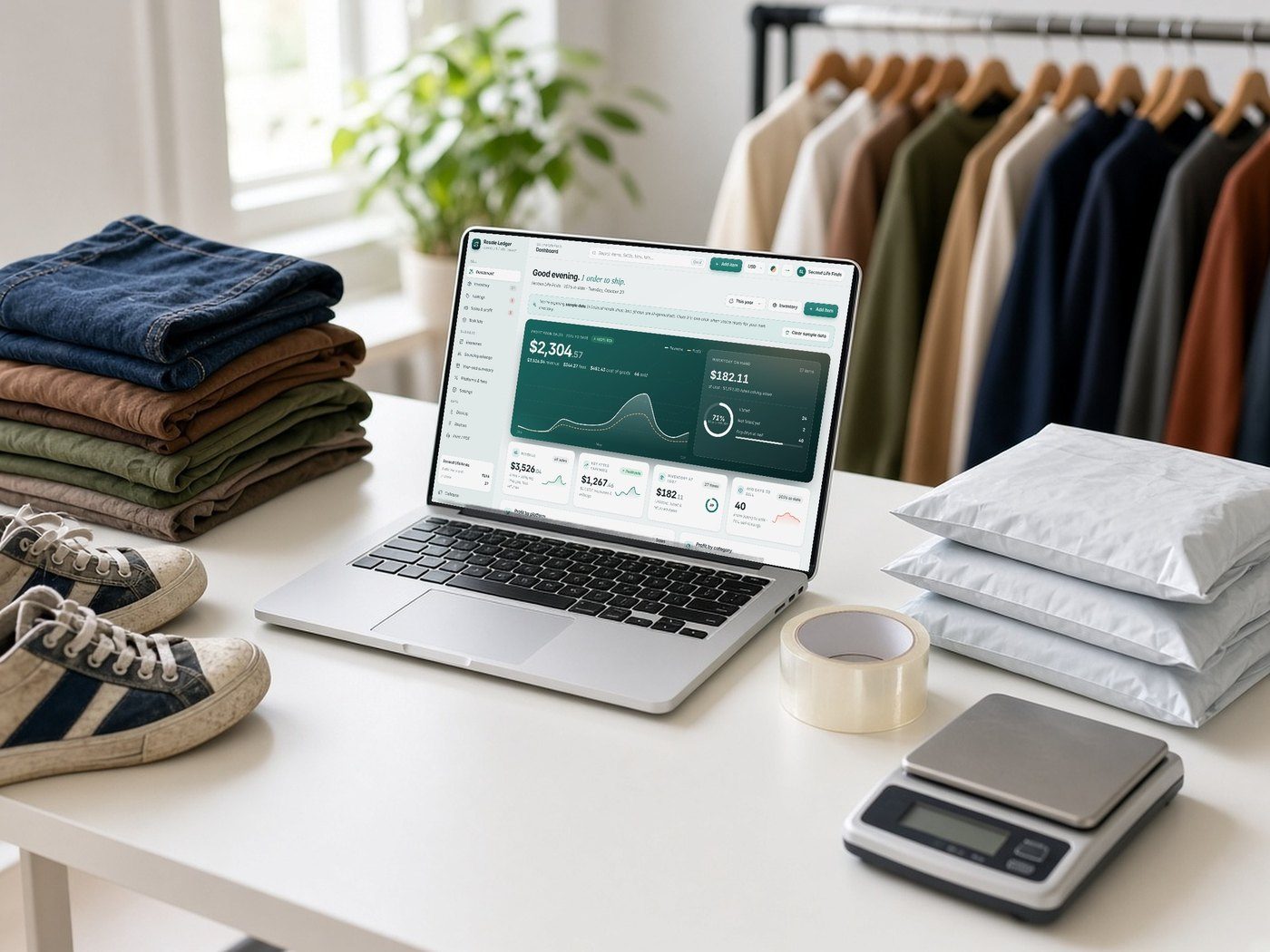
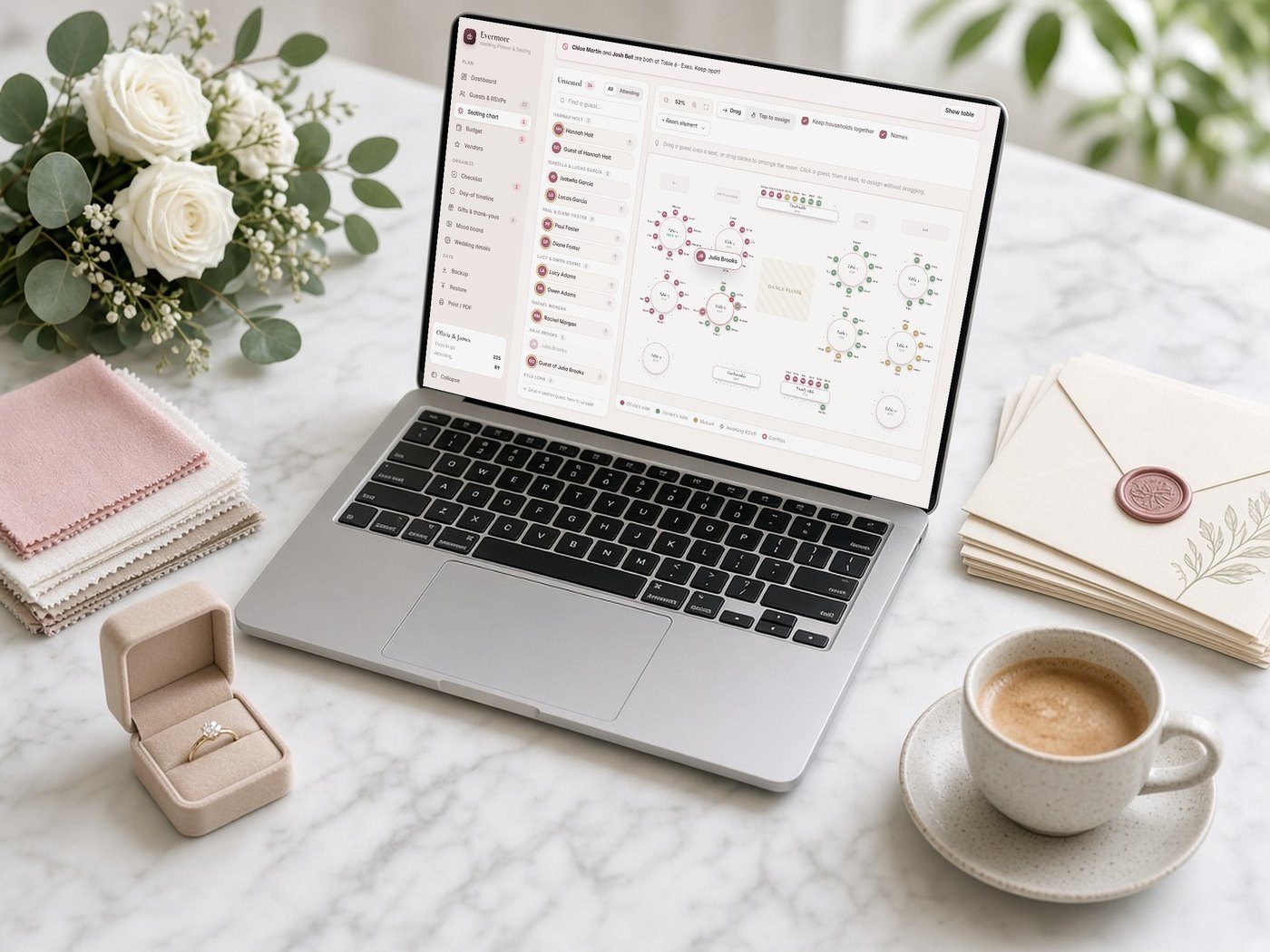
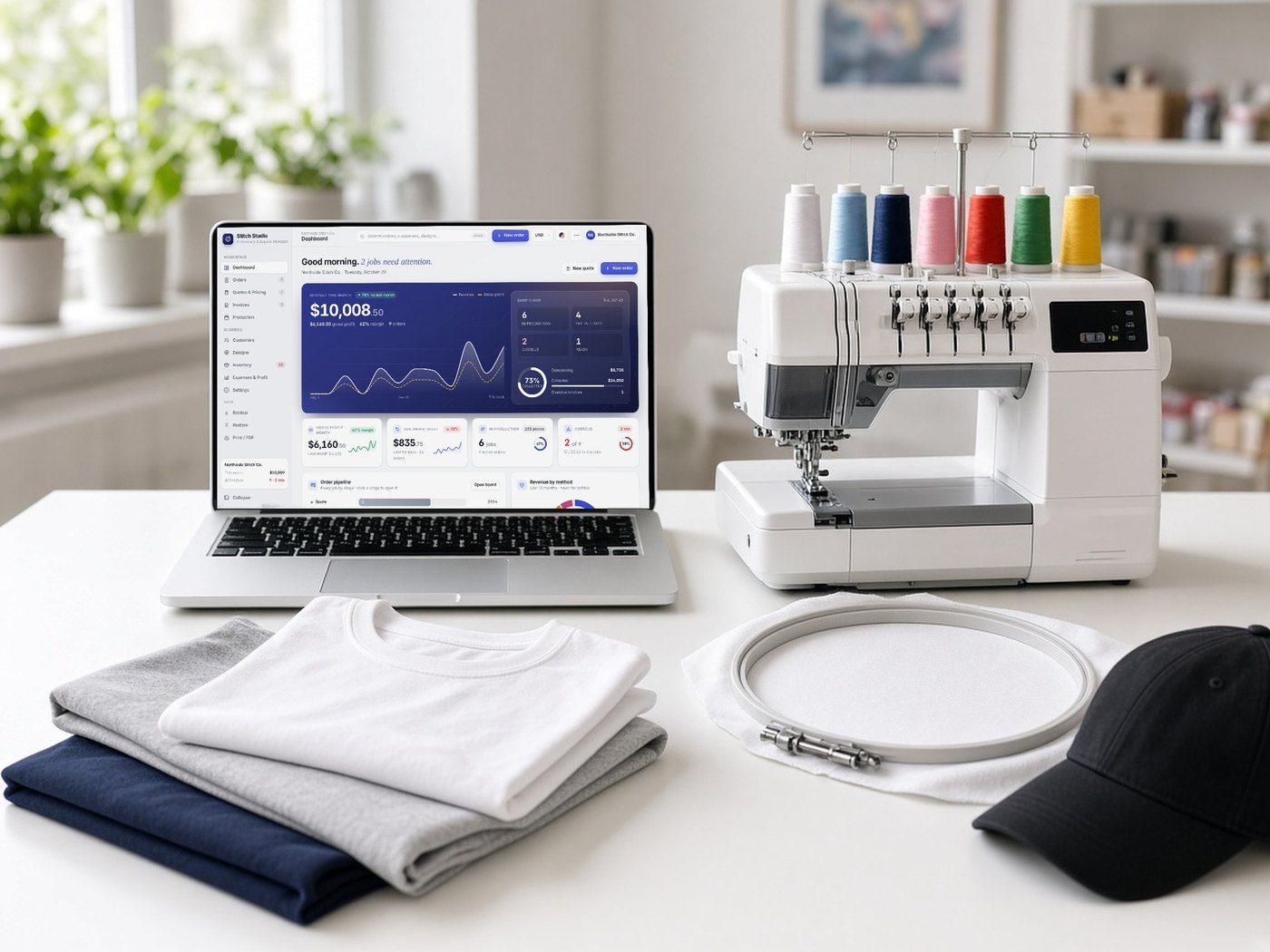
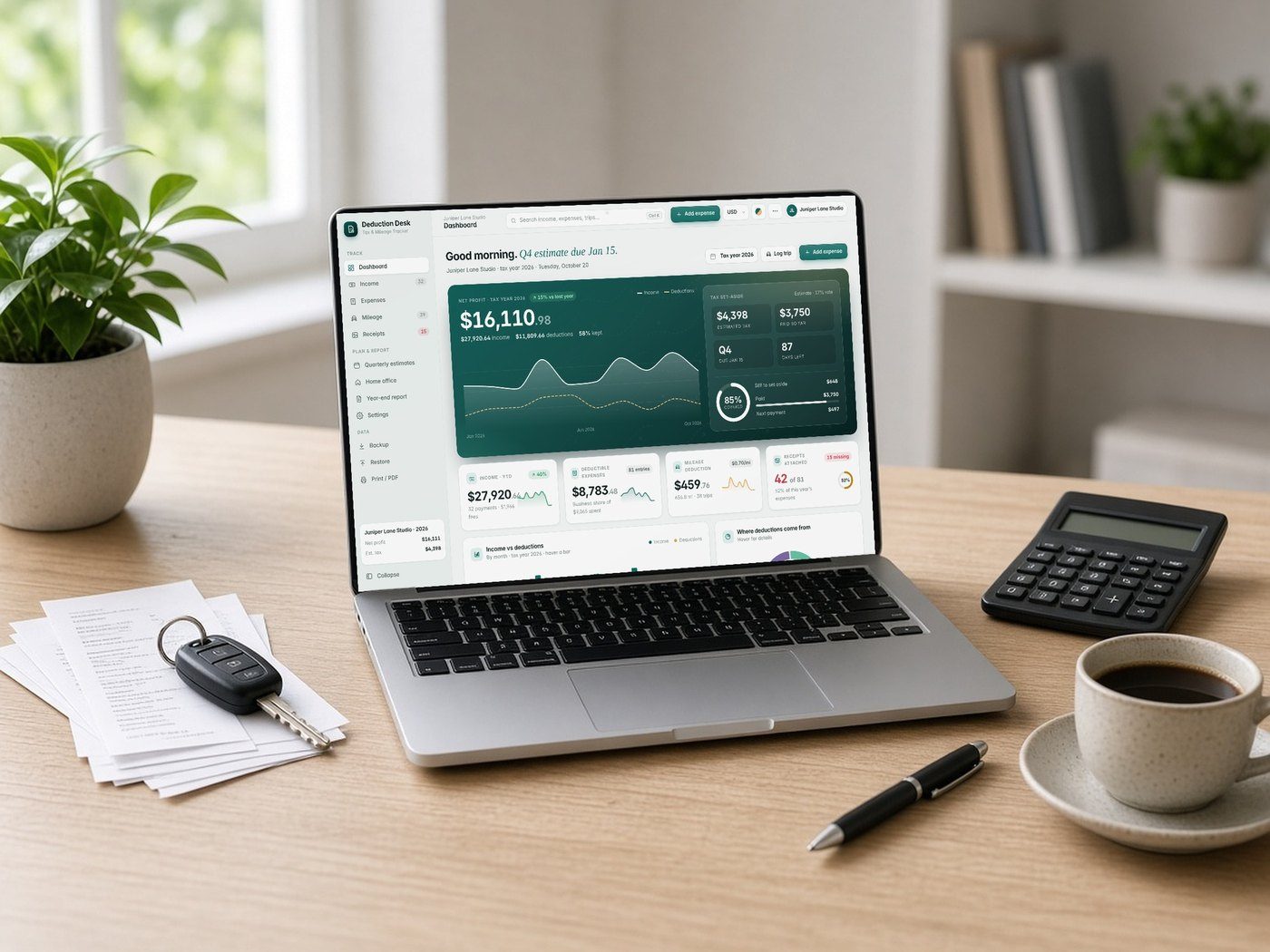
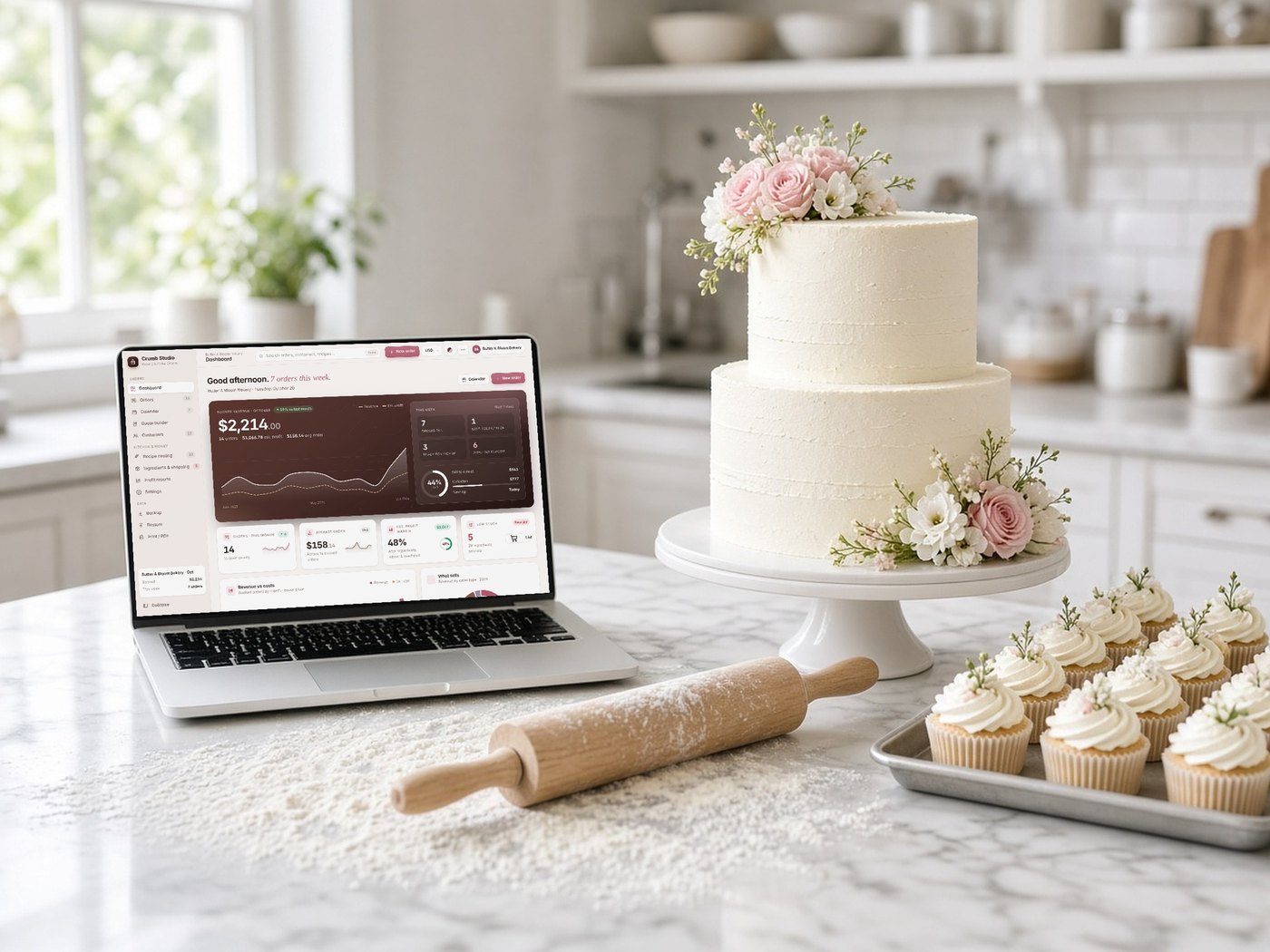
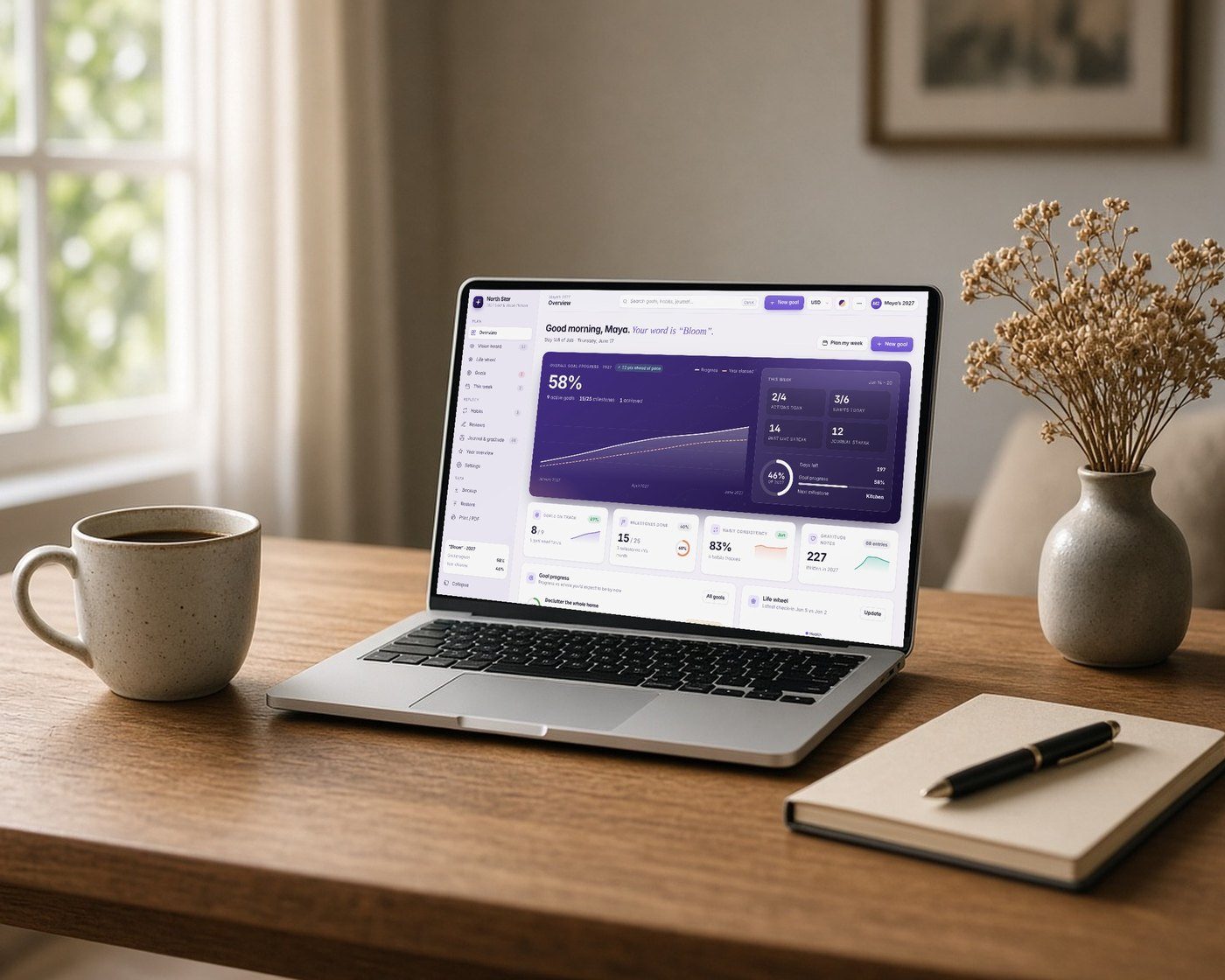
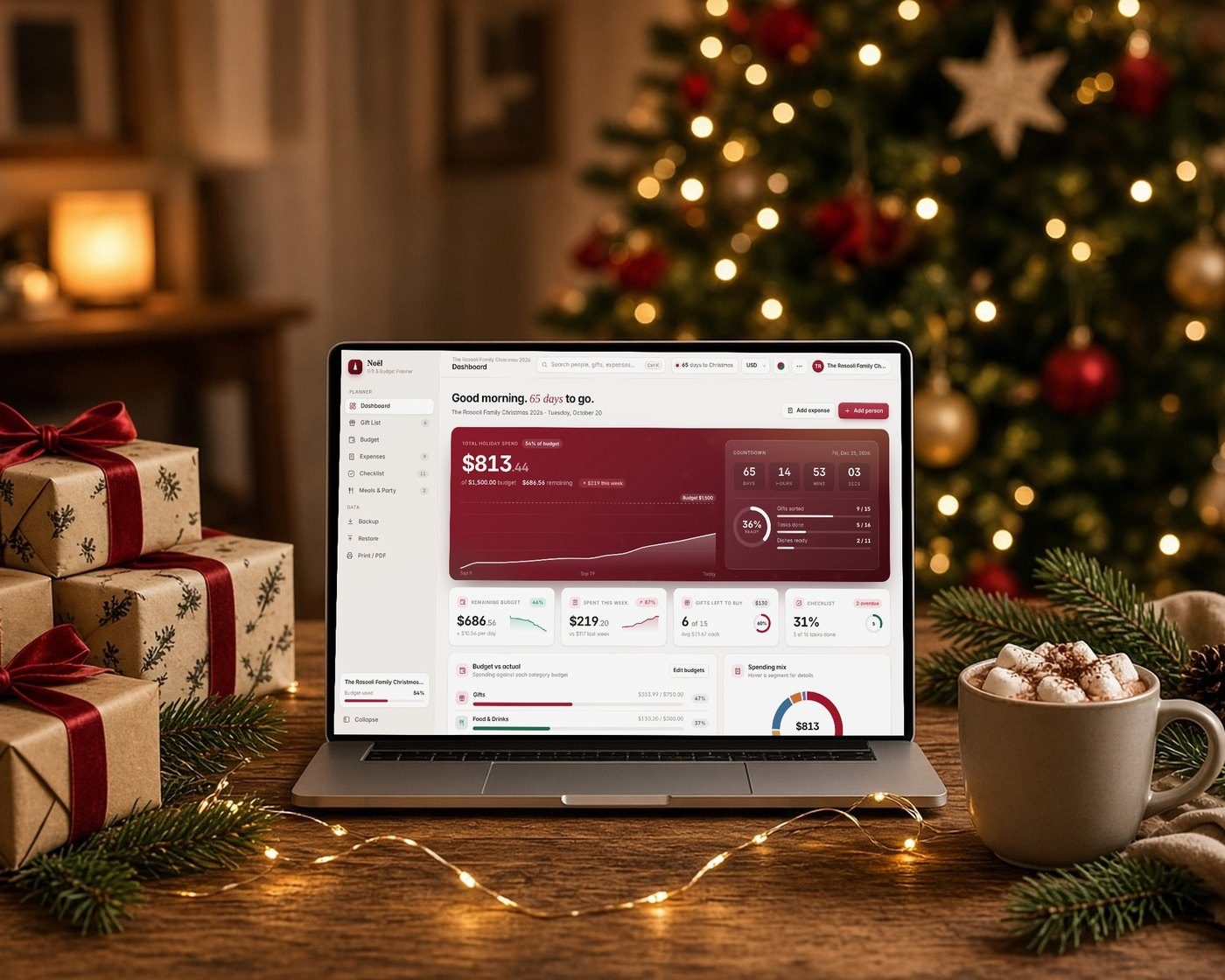
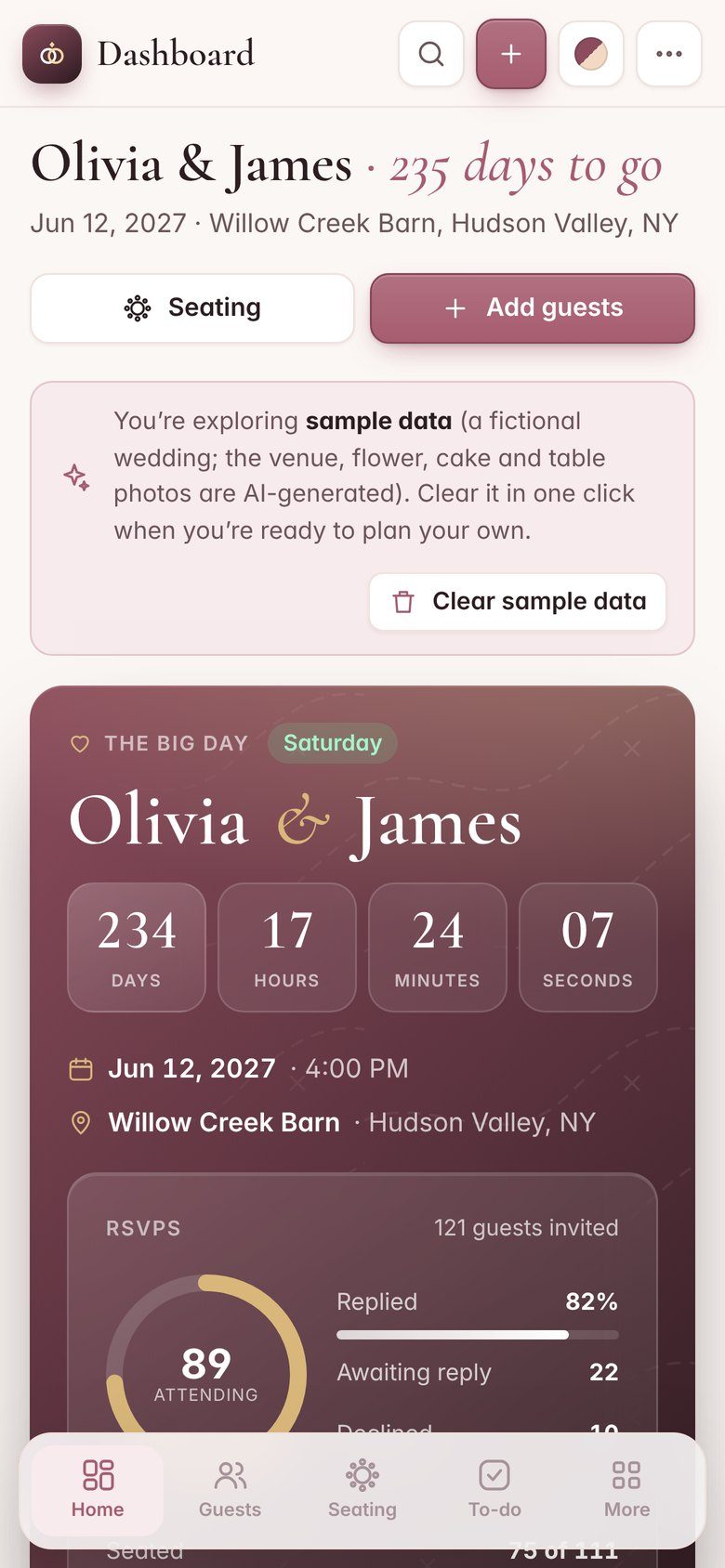
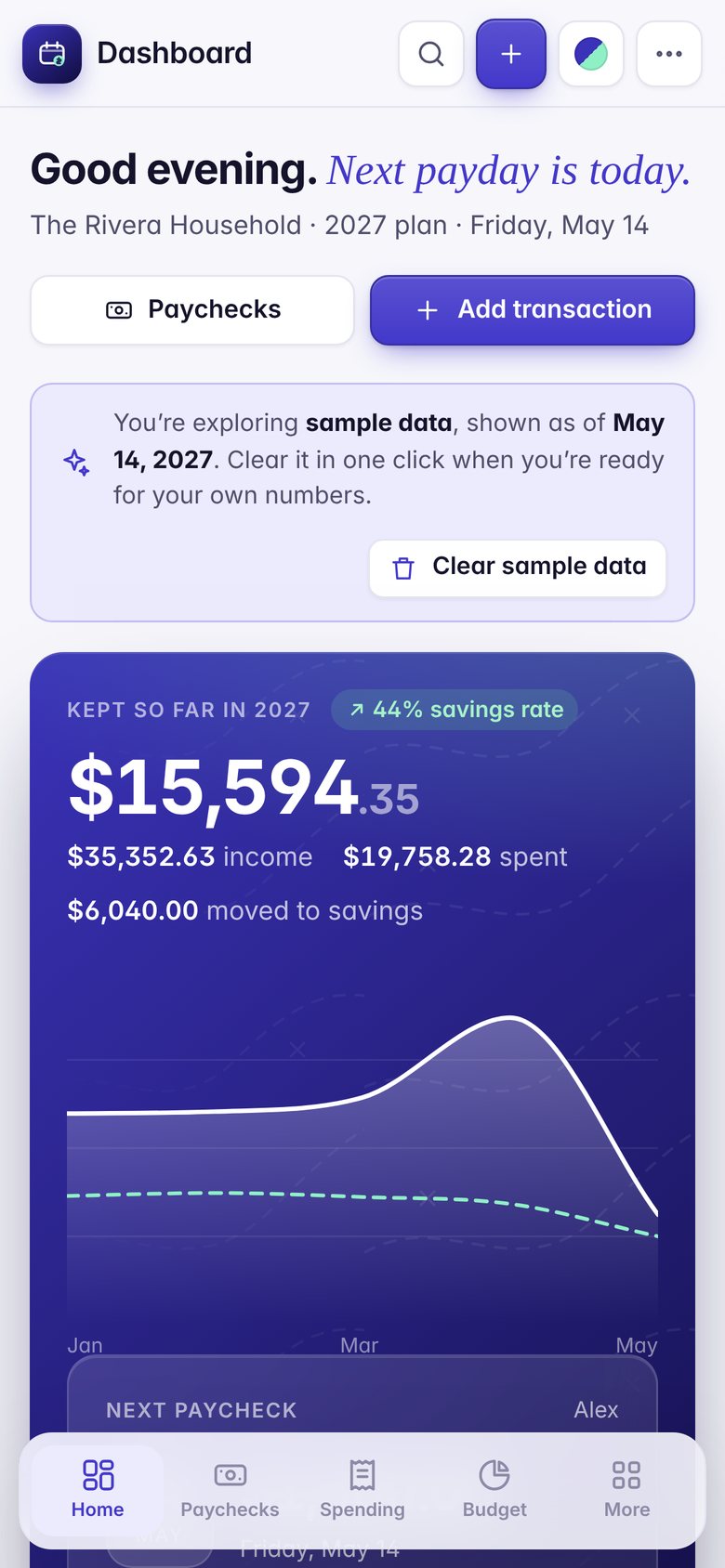
Card photos are AI-generated lifestyle scenes. App screens are real, with fictional sample data.
iPhone & iPad
Your apps, right on your home screen.
- 1Open your private link in SafariYou get it right after payment.
- 2Tap Share, then Add to Home ScreenThe app gets its own icon.
- 3Open it like any other appFull screen, and offline after the first visit.
Privacy
Your data stays on your device.
The apps run entirely in your browser. Nothing you type is uploaded, so there's nothing for us to see, sell or lose.
No account
Open your link and start. No sign-up inside the apps.
No cloud
Your entries are saved in your browser's storage on your device.
Works offline
After the first visit, the app opens without internet.
Backup & Restore
Save everything to one file and restore it on any device.
Bundle
All-in-One Business Bundle
All four small-business apps in one cart, at their normal total. No fake discount: just the easy way to get the whole toolkit.
- Resale Ledger$22.99Reseller Inventory & Profit Tracker
- Stitch Studio$29.99Embroidery & Custom Apparel Shop Manager
- Deduction Desk$24.99Tax Deduction & Mileage Tracker
- Crumb Studio$22.99Home Bakery & Cake Order Manager
FAQ
Questions, answered.
How do the apps work on iPhone?+
Open your private app link in Safari, tap Share, then Add to Home Screen. The app opens full screen and keeps working offline after the first visit. iOS keeps Home Screen apps separate from Safari tabs, so add it first, then start entering data. See the install guide.
Is there a subscription?+
No. You pay once for each app. There are no monthly fees.
Where is my data stored, and can you see it?+
Everything you type is saved in your browser's storage on your own device. The apps don't send your data anywhere, so we can't see it.
Can I use an app on my phone and my computer?+
Yes. Open your app link on each device. Data doesn't sync between devices on its own, so use Backup & Restore inside the app to move it.
Do I need an internet connection?+
Only to open the app the first time on each device (and to get updates). After that it works offline.
Can I download a copy to keep?+
Yes. Every purchase includes a ZIP with the offline HTML file, a Quick-Start Guide (PDF) and the license.
How do I get my apps after paying?+
Right after payment you see your private app links and ZIP downloads. They're also saved under My Apps on that device. If you lose them, message the shop with your order ID. Also on Etsy as RasooliStore.
Prefer to buy on Etsy?
The same apps are available there.