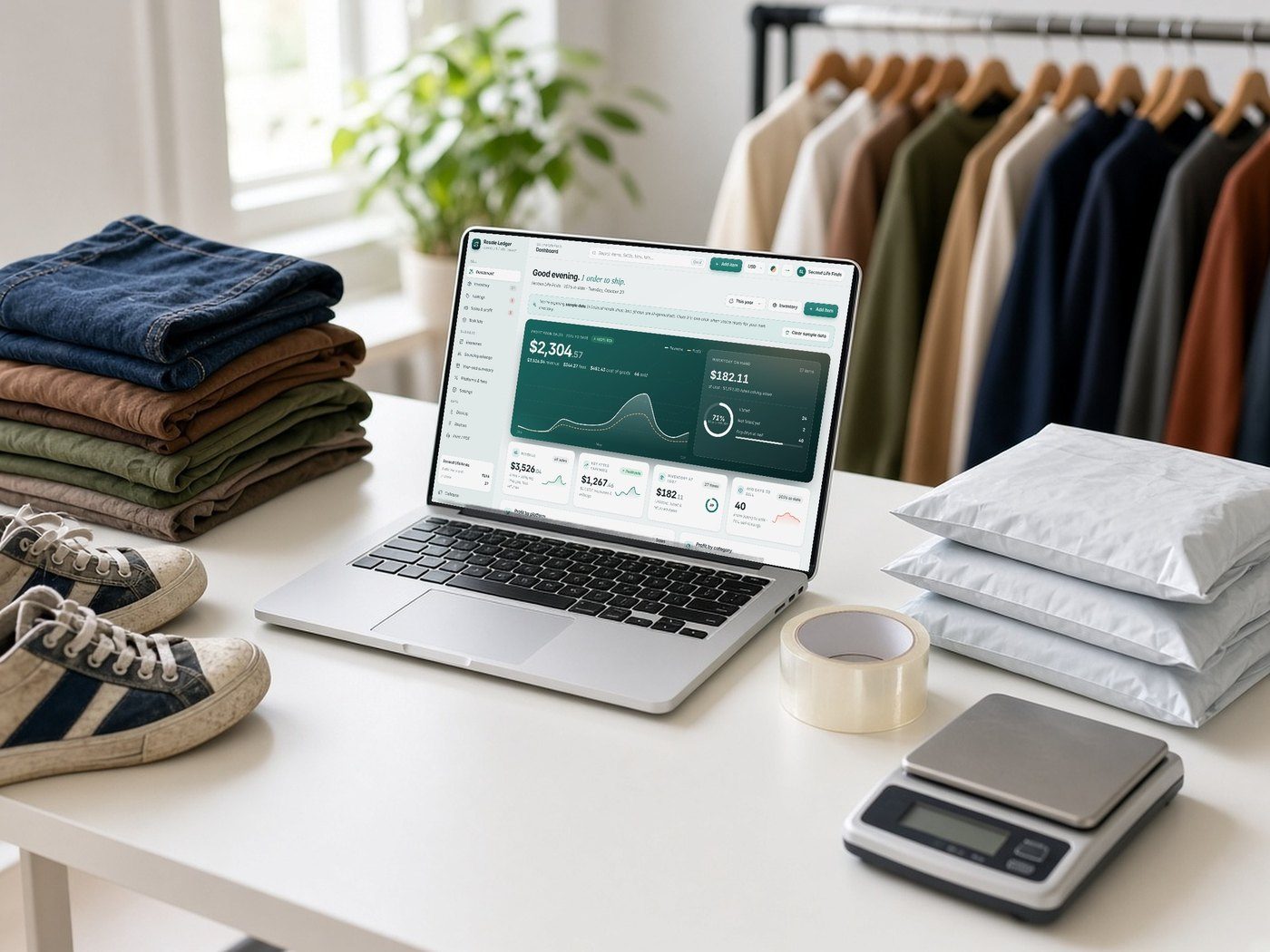
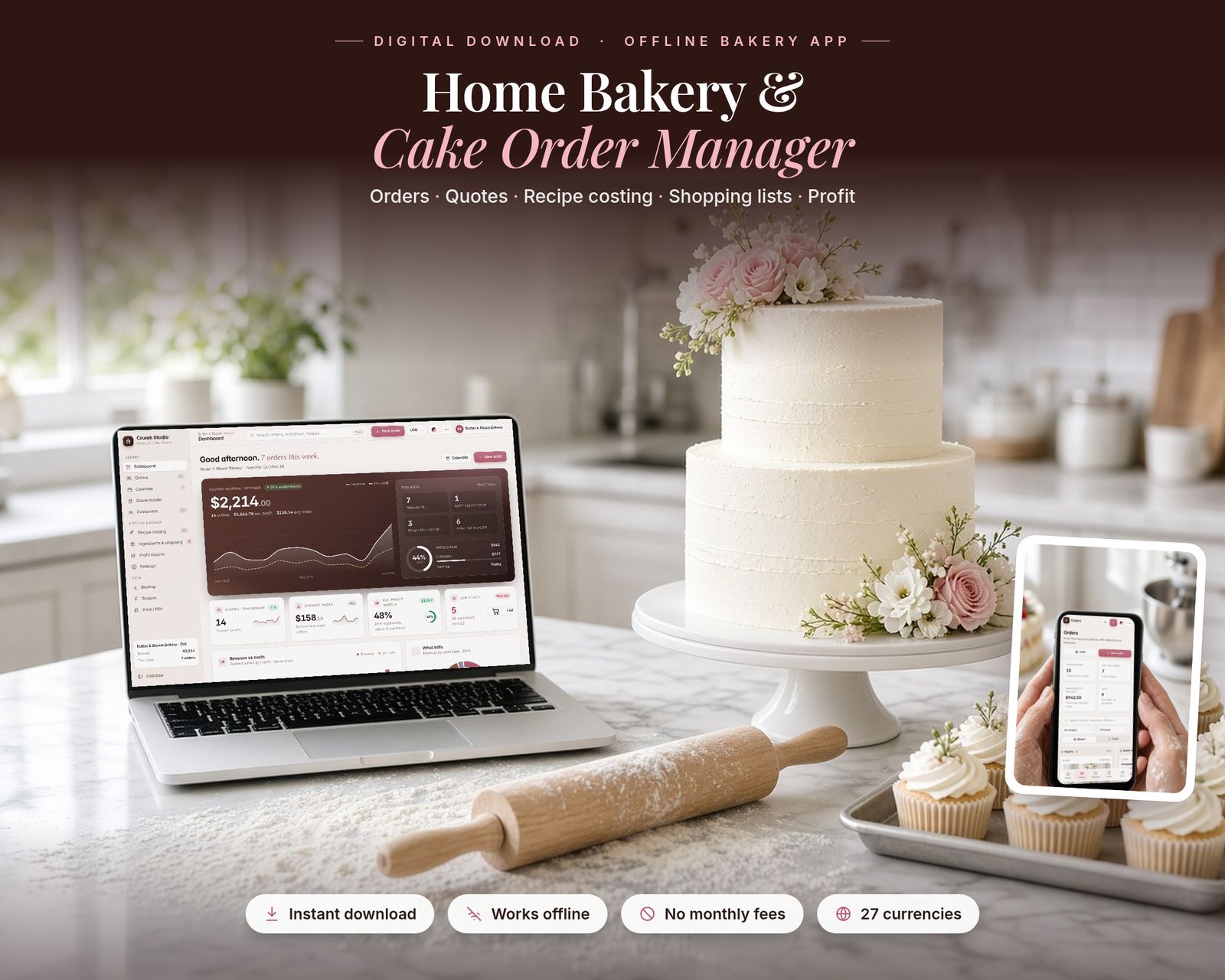
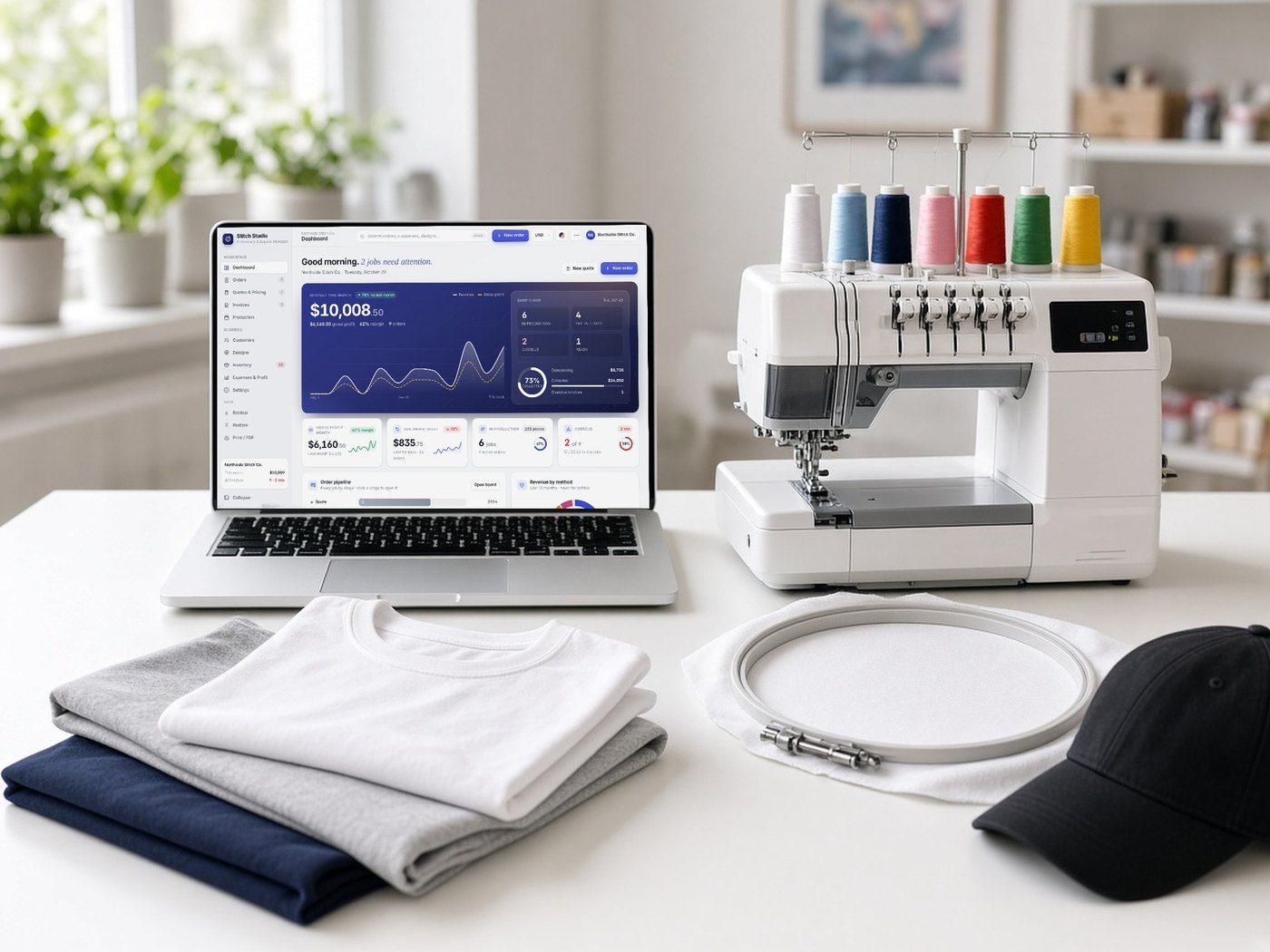
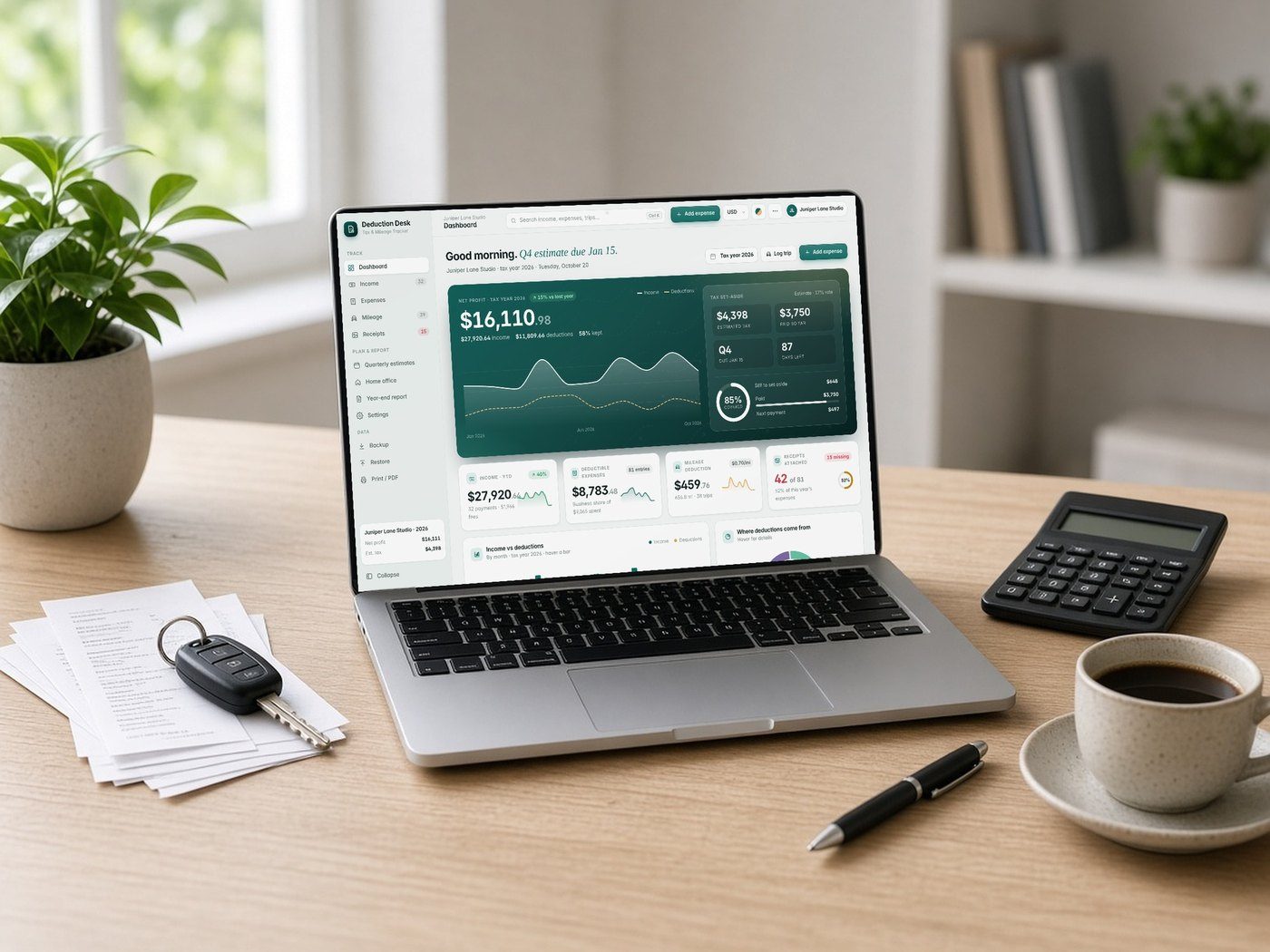
Lifestyle scenes are AI-generated. App screens are real, with fictional sample data.
Crumb Studio
Business · Offline web app
Home Bakery & Cake Order Manager
Run your home bakery from one private, offline app: cake orders, quotes, deposits, recipe costing, ingredients, an automatic shopping list, invoices and profit reports.
$22.99One-time purchase · no subscription
Instant download
Right after payment
Works offline
After the first visit
No subscription
Pay once
Private
Stays on your device
Includes the hosted web app, a downloadable offline copy (Home-Bakery-Cake-Order-Manager.html), the Quick-Start Guide (PDF) and a personal license.
What it is
Crumb Studio is a Home Bakery & Cake Order Manager that runs in your web browser. It's made for home and cottage bakers, cake designers, cookie artists, cupcake makers and farmers-market bakers. It's a single file: it works offline, updates every total instantly and saves your work automatically.
15-second tour
See it in action.
Recorded from the real app with sample data. No sound.
Inside the app
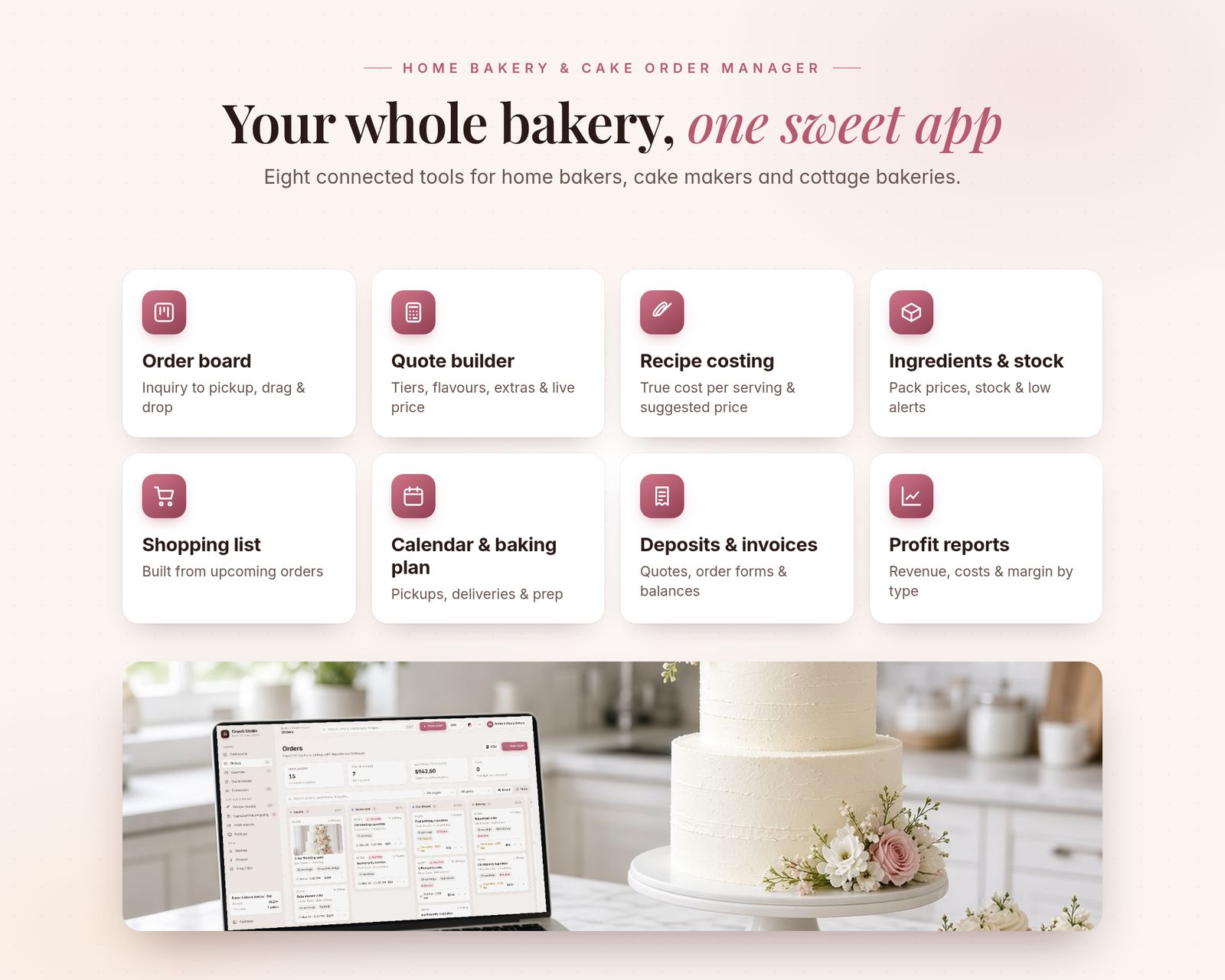
Everything it does, in detail.
Every feature listed here is in the app today.
01 · DASHBOARD
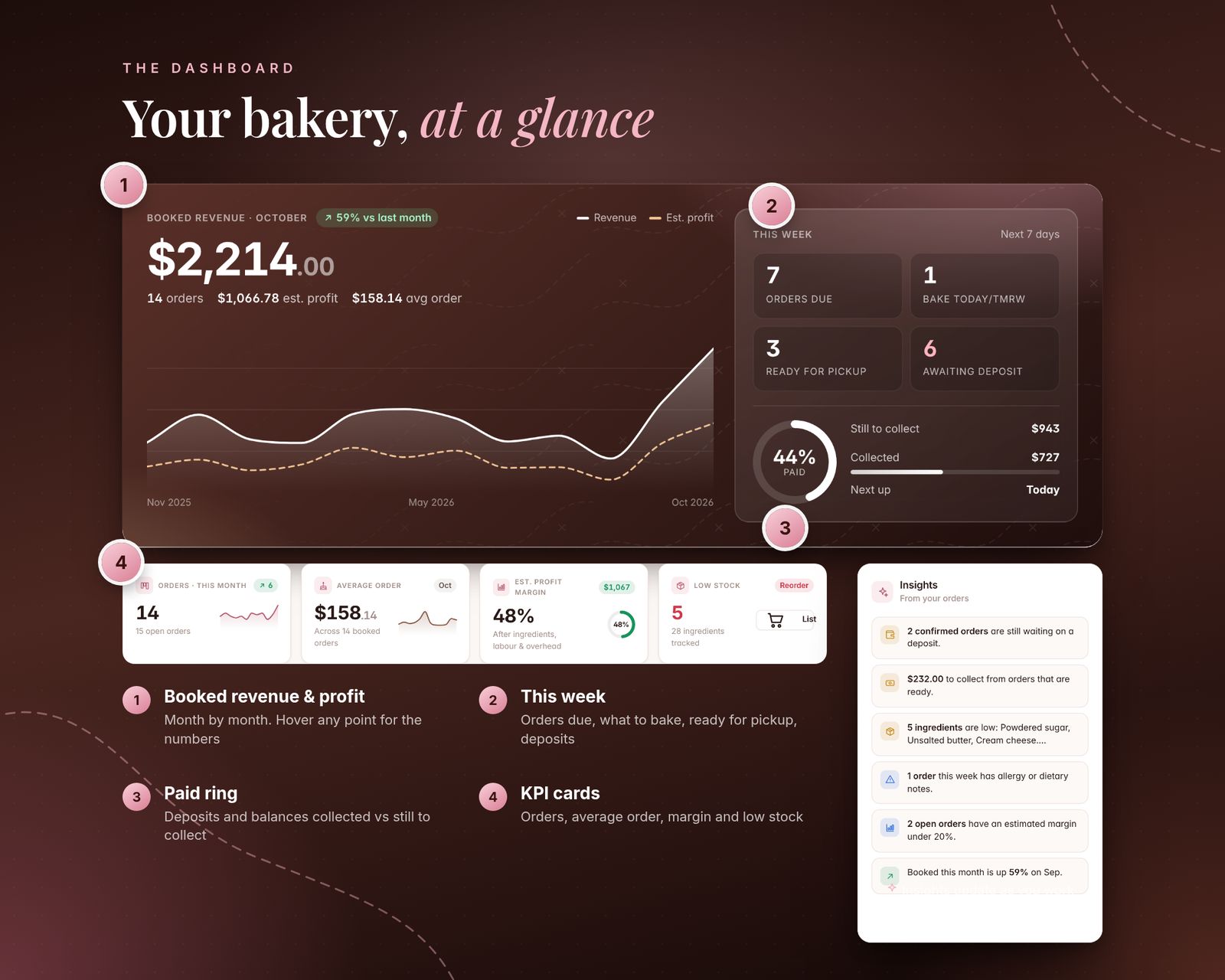
- Booked revenue and estimated profit by month, with a trend chart (hover for details)
- "This week" panel: orders due, what to bake today/tomorrow, ready for pickup, awaiting deposit
- Paid ring: deposits and balances collected vs still to collect
- KPI cards: orders this month, average order, estimated margin and low stock
- Revenue vs costs bars, a "what sells" donut, coming up, popular flavours, order pipeline and your shopping list
- Insights: missing deposits, inquiries that need a decision, late orders, allergy notes this week, low stock
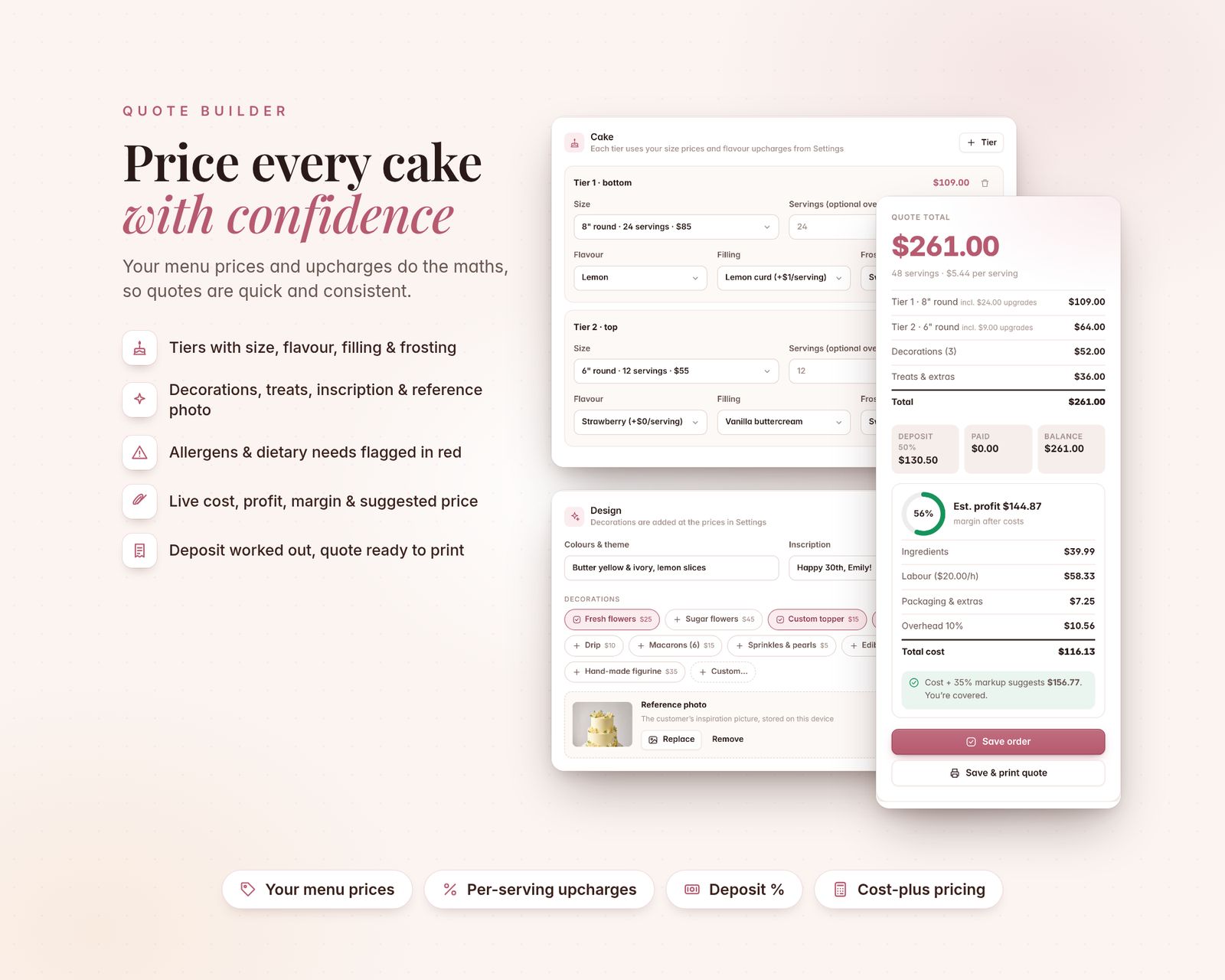
02 · QUOTE BUILDER
- Customer, occasion, pickup or delivery (address and fee), date and time
- Cake tiers with size, servings, flavour, filling and frosting, priced from YOUR menu
- Per-serving upcharges for premium flavours, fillings and frostings
- Decorations (flowers, toppers, gold leaf, custom…), cupcakes, cookies and other treats
- Colours/theme, inscription and the customer's reference photo (stored on your device)
- Allergens and dietary needs (gluten, dairy, eggs, nuts, vegan, gluten-free…)
- Live total, price per serving, deposit, balance, estimated cost, profit, margin and a cost-plus suggested price
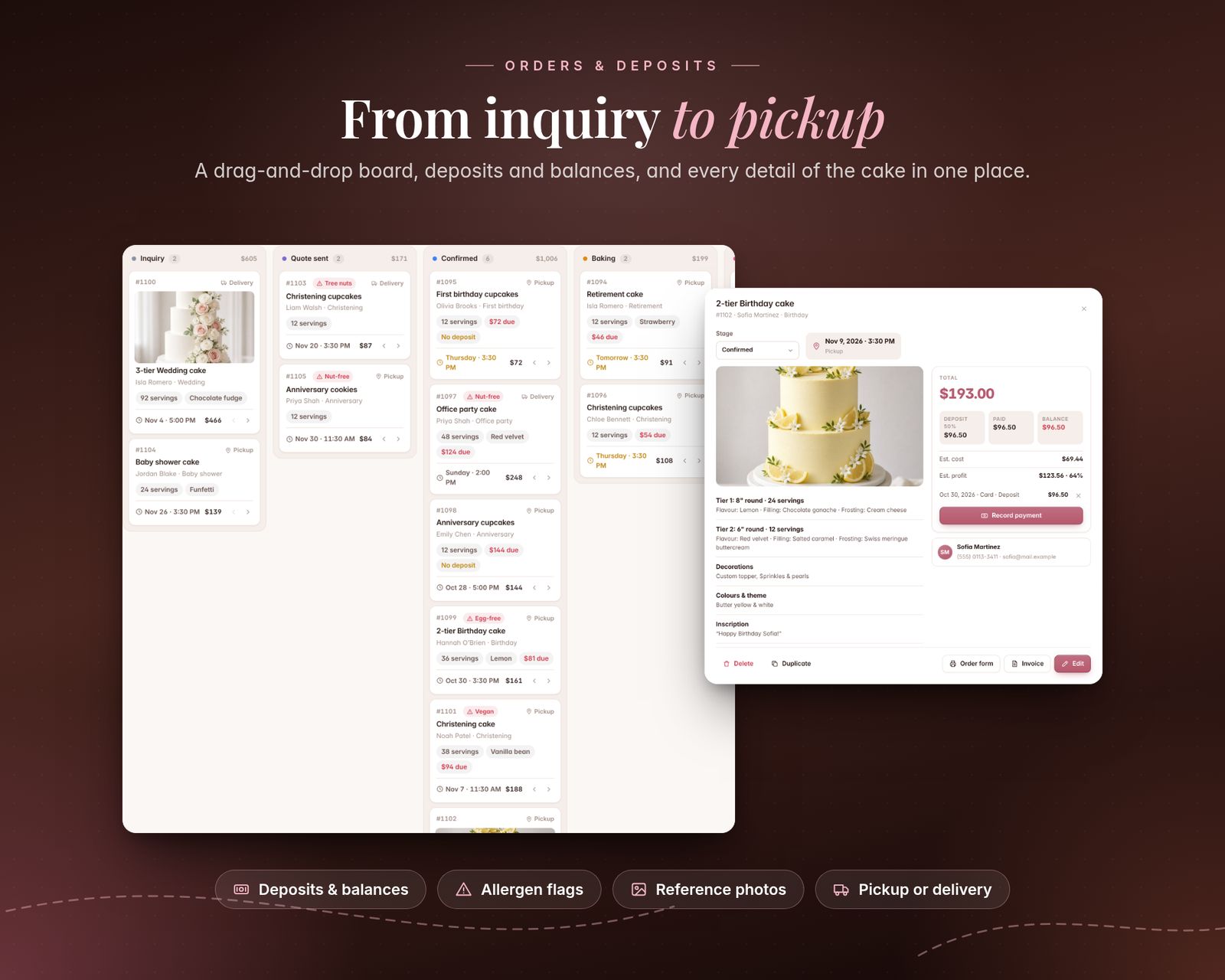
03 · ORDERS, CALENDAR & DEPOSITS
- Drag-and-drop board: Inquiry → Quote sent → Confirmed → Baking → Ready → Completed
- Table view with search and filters by stage and order type
- Record deposits and payments; recording a deposit on a quote confirms it
- Month calendar of pickups and deliveries, plus a printable 7-day baking plan
- Allergy and dietary notes flagged in red everywhere
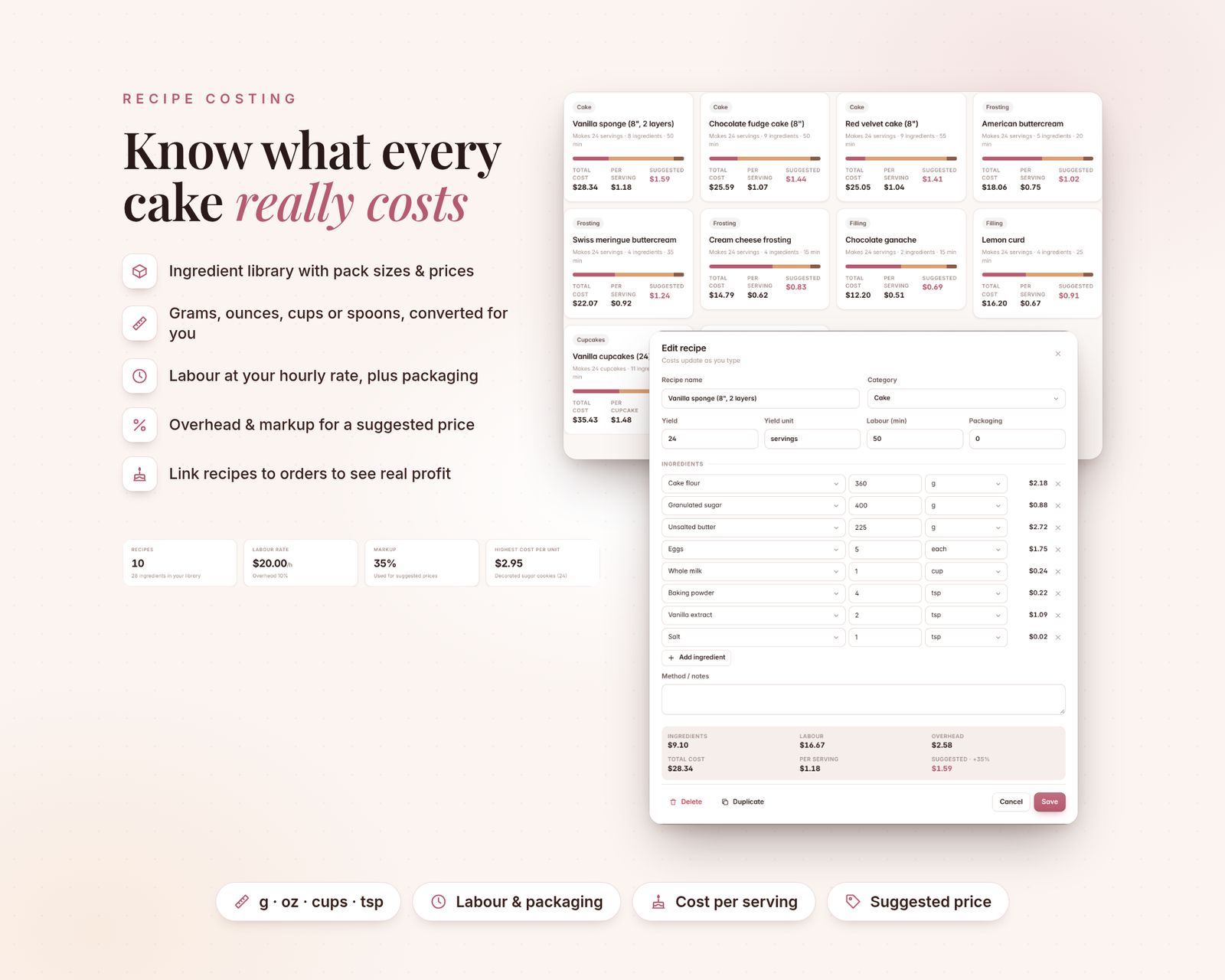
04 · RECIPE COSTING
- Ingredient library with the pack you buy and its price
- Recipe lines in g, kg, oz, lb, ml, L, cups, tsp, tbsp, fl oz, each or dozen, converted for you (add a density to use cups for things you buy by weight)
- Labour at your hourly rate, packaging and overhead %
- Total cost, cost per serving and a suggested price at your markup
- Link recipes to orders to see the real profit of each cake
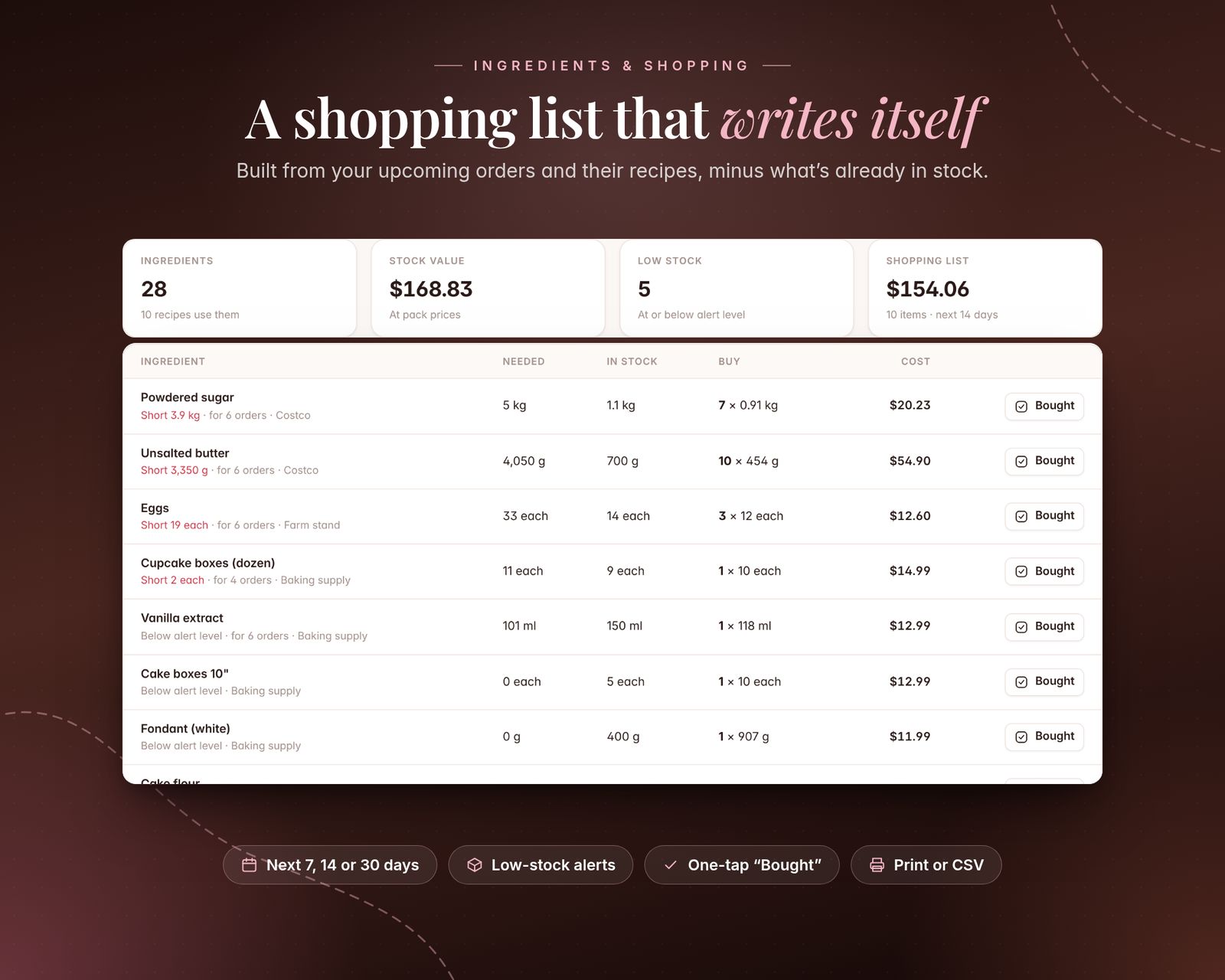
05 · INGREDIENTS & SHOPPING LIST
- Stock levels with one-tap +/− and low-stock alerts
- Shopping list built from confirmed orders in the next 7, 14 or 30 days, minus what's in stock, in whole packs with estimated cost
- "Bought" adds packs to stock; completed orders can deduct their ingredients automatically
- Print the list or export CSV
06 · QUOTES, ORDER FORMS & INVOICES
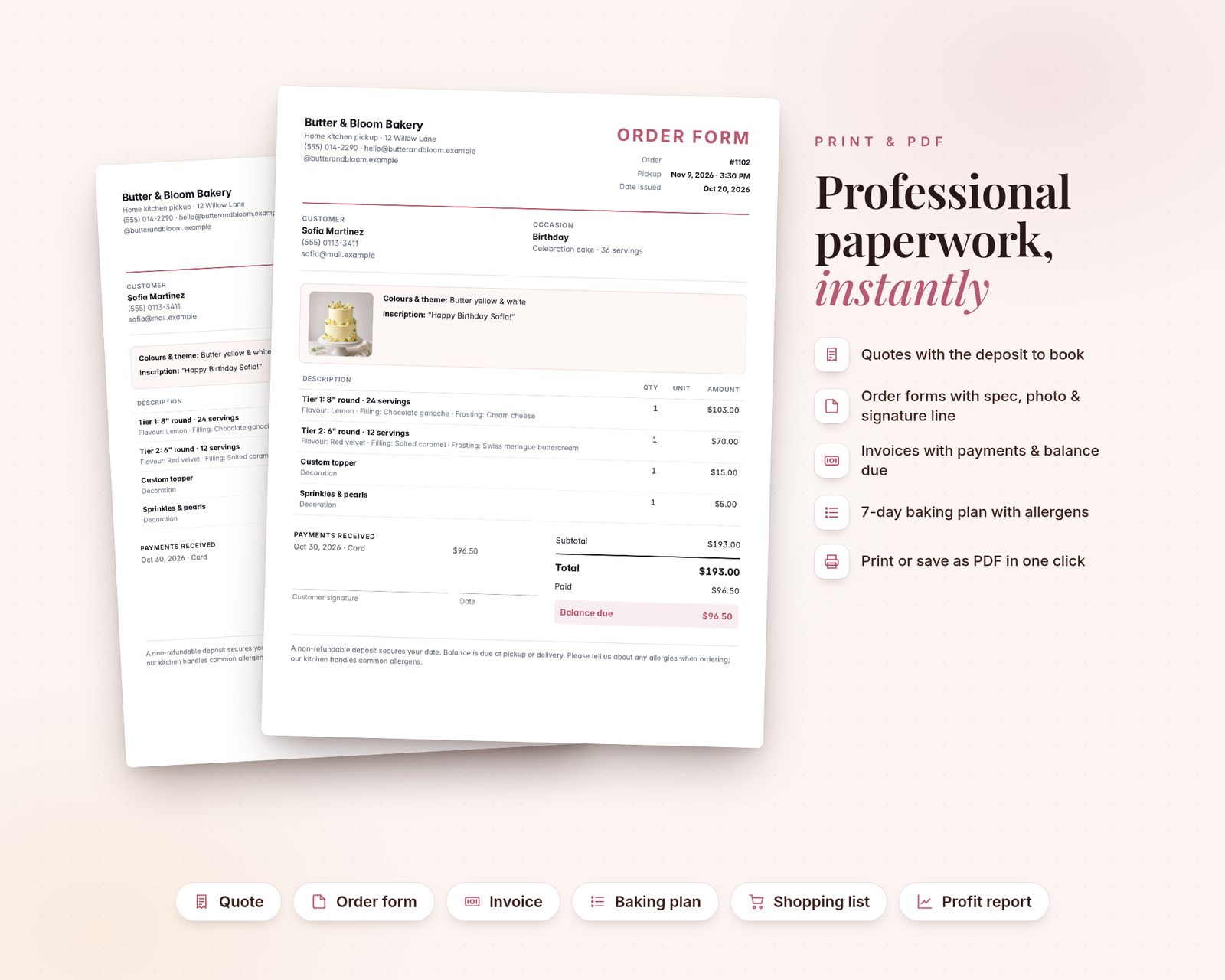
- Printable quote (with deposit to book), order form (with cake spec, photo and signature line) and invoice (payments and balance due)
- Your logo, contact details and terms on every document
- Print or save as PDF from your browser
07 · CUSTOMERS & PROFIT REPORTS
- Customer contacts, allergies and preferences, birthdays, order history, lifetime spend and balances
- Profit reports for this year, the last 12 months or all time: revenue, estimated costs and profit by month, margin by order type, top customers and balances to collect
- CSV exports: orders, customers, ingredients, shopping list and monthly P&L
08 · EXTRAS
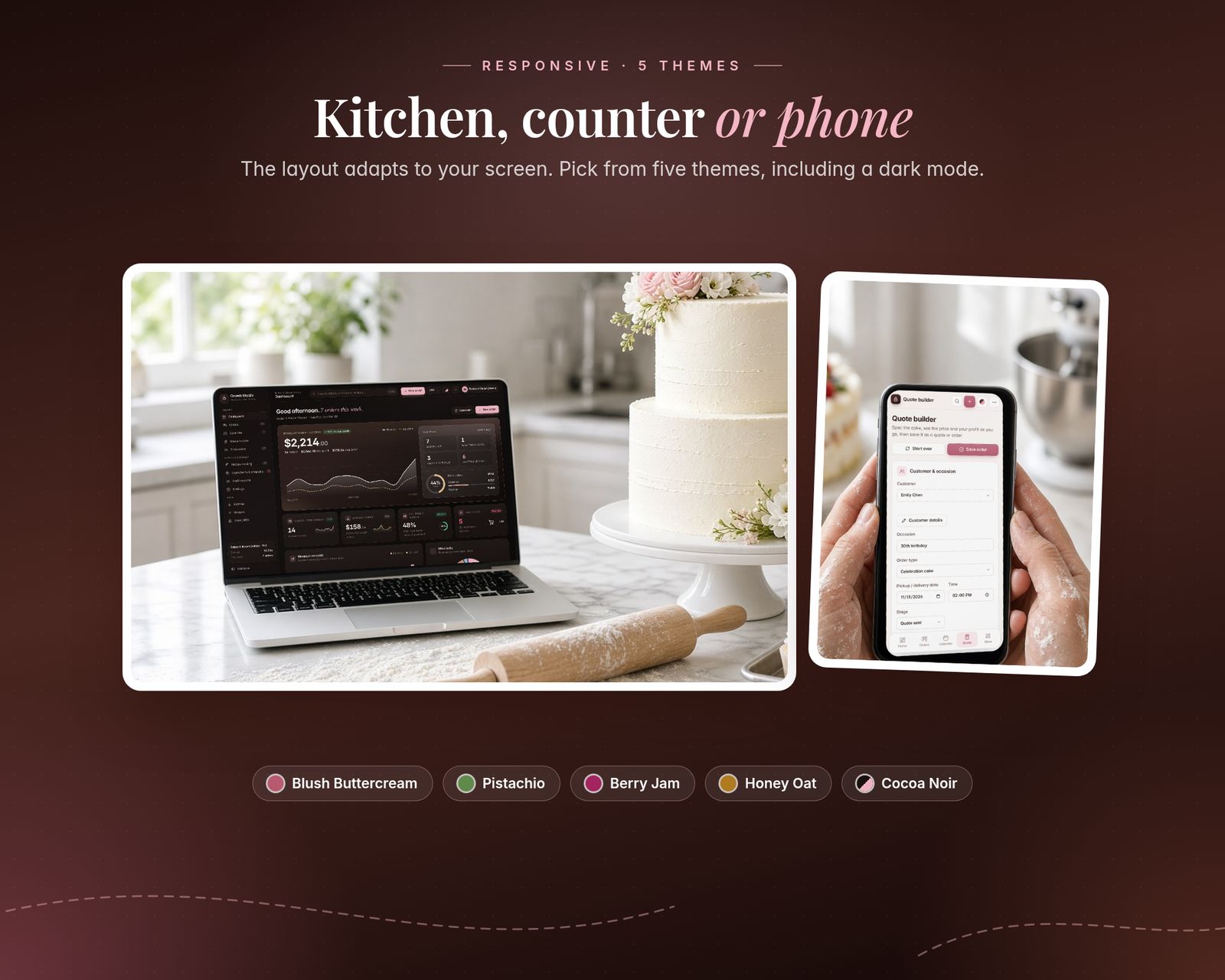
- 5 colour themes: Blush Buttercream, Pistachio, Berry Jam, Honey Oat and Cocoa Noir (dark)
- 27 currencies (incl. USD, GBP, EUR, CAD, AUD, AED, SAR, OMR, INR and more)
- Search everything with Ctrl/Cmd + K
- Backup & Restore to a single file (includes your reference photos)
- A sample bakery to explore first, then reset and start fresh
What's included
Includes the hosted web app, a downloadable offline copy (Home-Bakery-Cake-Order-Manager.html), the Quick-Start Guide (PDF) and a personal license.
Compatibility
Tested in Google Chrome on desktop and phone-size screens; installs to iPhone Home Screen from Safari.
Your data is saved in the browser on each device; use Backup & Restore to move it.
FAQ
Good questions.
Can I use my own prices and menu?+
Yes. Cake sizes, servings, base prices, flavours, fillings, frostings, upcharges, decorations and treats are all editable in Settings.
Can I measure in cups?+
Yes. Recipes accept cups, spoons, grams, ounces and more. For ingredients you buy by weight, add a density (e.g. flour ≈ 0.53 g/ml) once and cups convert automatically.
Can I send quotes and invoices to customers?+
Yes. Print them or save them as PDF from your browser, then email or message the PDF.
Does it work outside the US?+
Yes. Pick from 27 currencies, use metric or US units, and set sales tax to 0 if you don't charge it.
Does it work on my iPhone?+
Yes, use the hosted version. After you buy, open your private app link in Safari and tap Share, then Add to Home Screen. It opens full screen and works offline after the first visit. We test in Google Chrome, including phone-size screens. If anything doesn't work on your device, message us.
What do I get after paying?+
A private link to the hosted app, plus a ZIP download with Home-Bakery-Cake-Order-Manager.html (the offline file), the Quick-Start Guide (PDF) and the license.
Does my data sync between devices?+
No. Each device keeps its own data in the browser. Use Backup & Restore inside the app to move it to another device.
You might also like
Crumb Studio
$22.99