
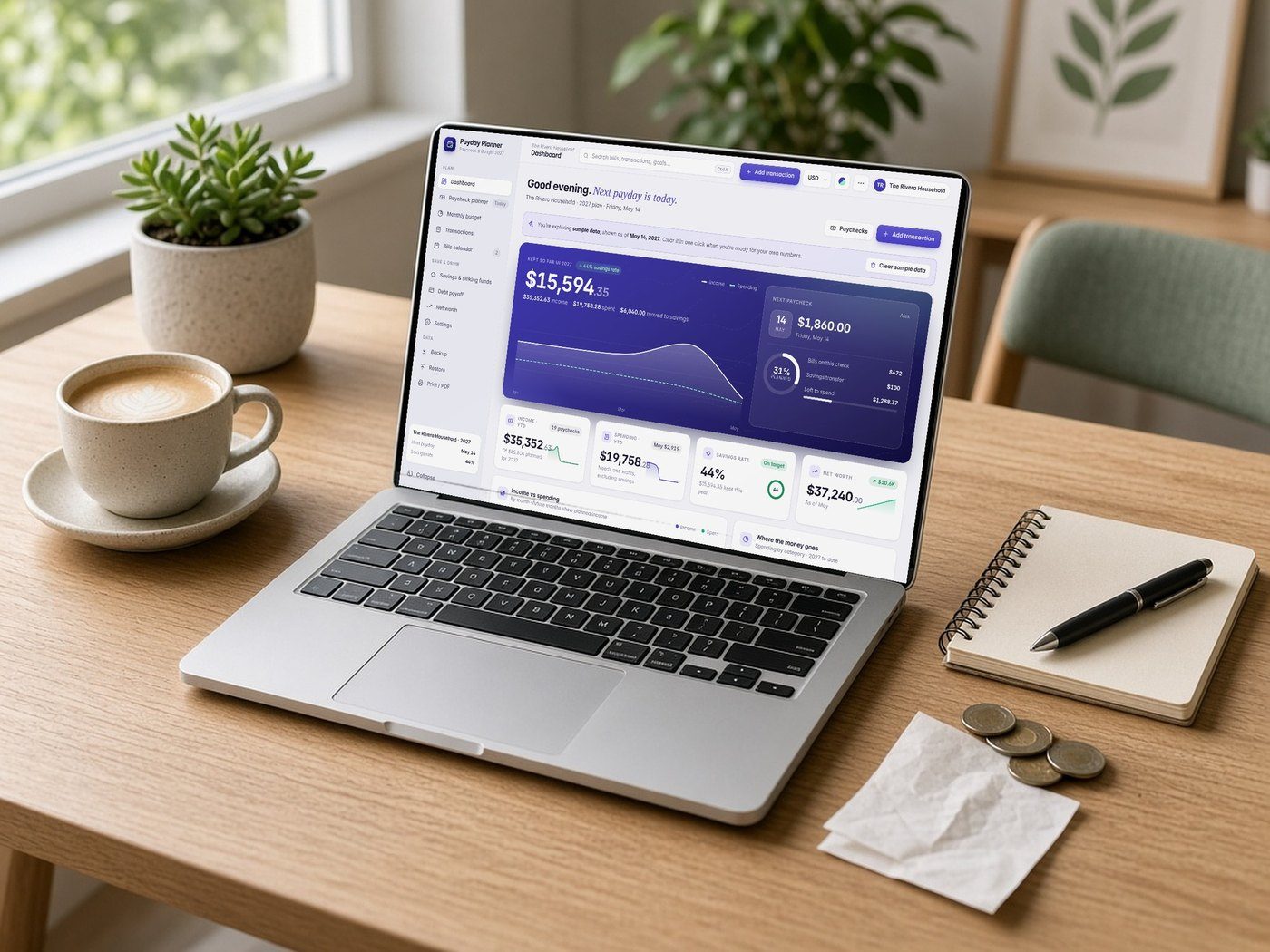


Lifestyle scenes are AI-generated. App screens are real, with fictional sample data.
Kitly Grades
Planners · Offline web app
Teacher Gradebook & Lesson Planner
Grades, attendance, weekly lesson plans and progress reports in one offline app. No subscription.
$19.99One-time purchase · no subscription
Instant download
Right after payment
Works offline
After the first visit
No subscription
Pay once
Private
Stays on your device
One download with the app, a Quick-Start Guide and a license file. Open the app file in your browser and start.
What it is
A simple gradebook and lesson planner for K–12 teachers, tutors and homeschool parents. Type scores into the grid and averages update as you go. Take attendance in one tap, plan your week and print progress reports. It runs in your browser and works offline. No account, no monthly fee. Student data is saved only on your own device. **Works on:** Mac, Windows, Chromebook and Android (Chrome, Edge, Safari or Firefox). iPhone and iPad can't open offline web files, so please use a computer or Android device.
15-second tour
See it in action.
Recorded from the real app with sample data. No sound.
Inside the app
Everything it does, in detail.
Every feature listed here is in the app today.
01 · GRADEBOOK
- Weighted categories you set (e.g. Homework 20%, Tests 35%)
- Type scores straight into the grid; averages update as you type
- Missing (M) and Excused (EX) marks
- Editable grading scale: A–F or A+ to F
02 · ATTENDANCE
- Present, Absent, Late or Excused in one tap
- Attendance % for every student
- Pick any date to fix past days
03 · LESSON PLANNER
- Weekly view with objectives, materials, steps, homework and standards
- Copy a whole week forward
- Mark lessons as taught
- Print your week
04 · REPORTS
- Student progress reports with category breakdown and your comment
- Class report: grade distribution and students who need support
- Print or save as PDF
- Export a class to CSV
05 · CLASSES & STUDENTS
- Unlimited classes and students
- Paste a roster from any spreadsheet
- Today screen with lessons, scores to enter and upcoming work
- Example classes to explore first
06 · PRIVATE & OFFLINE
- Works offline in your browser
- No account, no subscription
- Data stays on your device
- Backup & restore, dark mode
What's included
One download with the app, a Quick-Start Guide and a license file. Open the app file in your browser and start.
Compatibility
Tested in Google Chrome on desktop and phone-size screens; installs to iPhone Home Screen from Safari.
Your data is saved in the browser on each device; use Backup & Restore to move it.
FAQ
Good questions.
Do I need internet or an account?+
No. Open the app file in your browser. It works offline and needs no account.
Where is student data stored?+
Only in your own browser on your own device. Nothing is uploaded. Please follow your school's rules for student information.
Can I use it on iPhone or iPad?+
No. iPhone and iPad can't open offline web files. Use a Mac, Windows PC, Chromebook or Android device.
How do I move to another computer?+
Go to Settings, download a backup, then restore it on the other computer.
Can I set my own grading scale and weights?+
Yes. Set category weights for each class and edit the letter-grade scale in Settings.
Is it a subscription?+
No. You pay once and keep the app.
You might also like

Kitly Grades
$19.99